
Interface Review
A comprehensive visual guide to the OS Music ecosystem
Slide 1
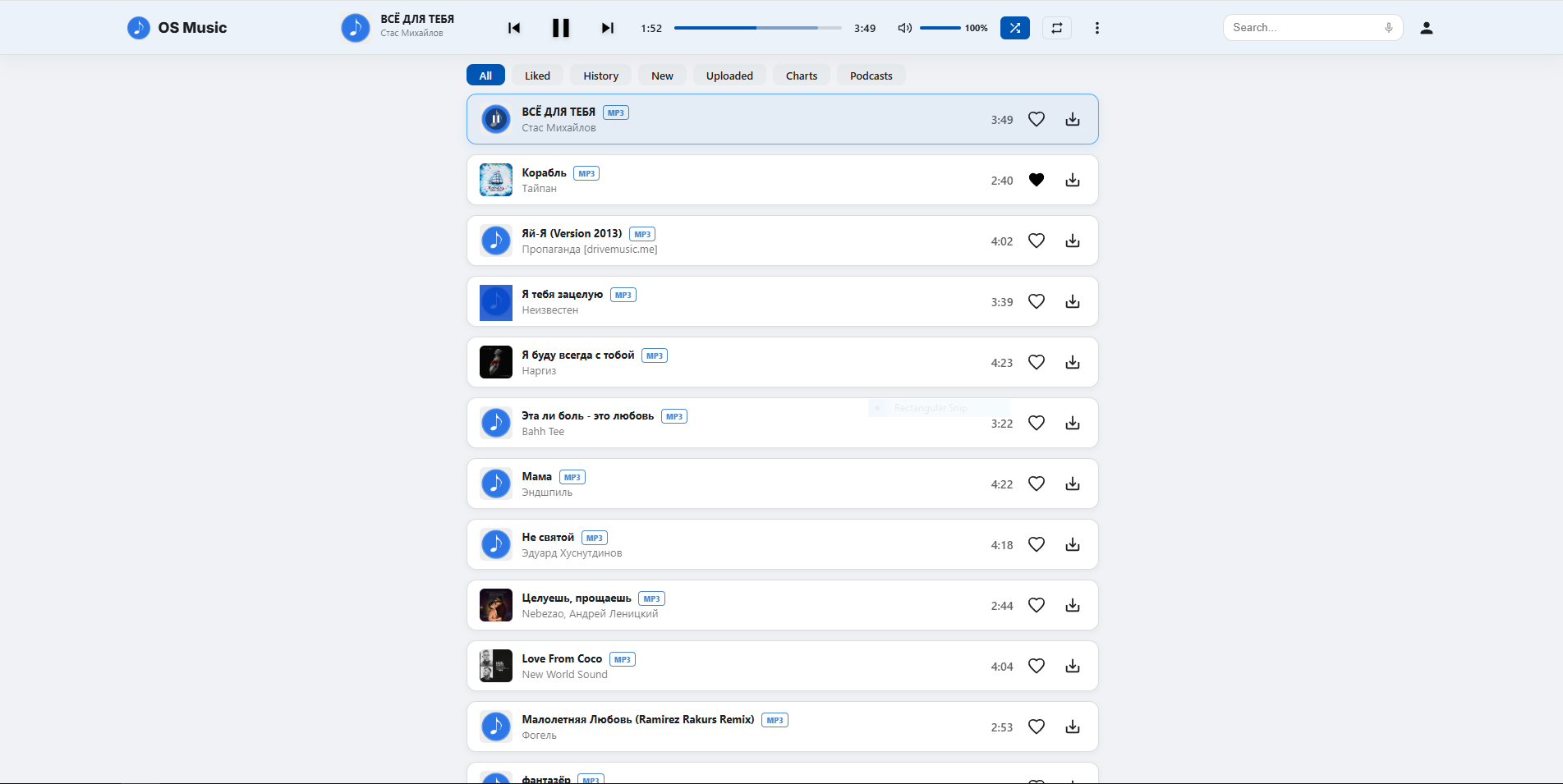
Home page. Displays the complete catalog of audio tracks available on the server. Implements pagination via the "Show More" button to optimize load times and improve user experience.
Slide 2
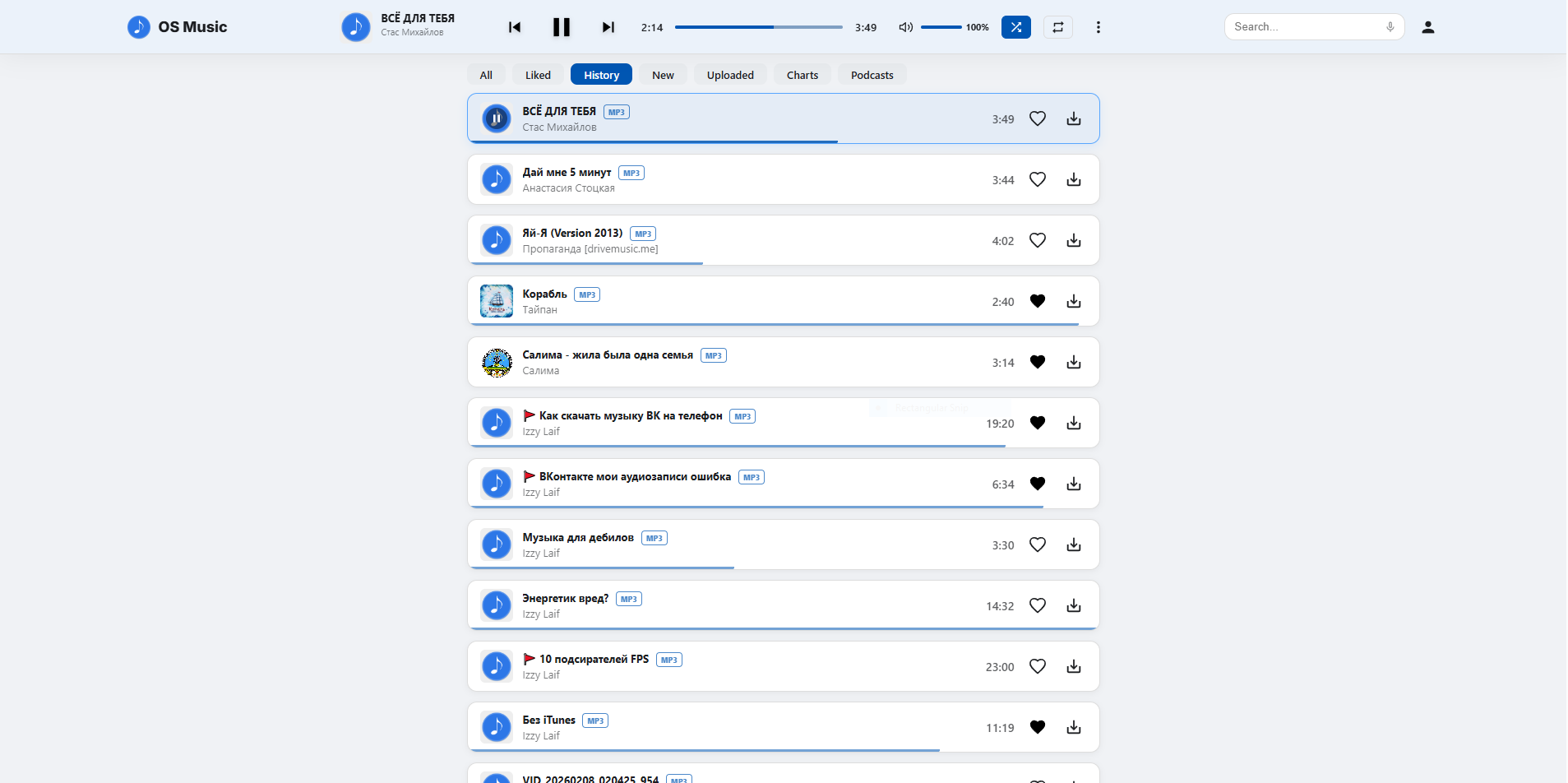
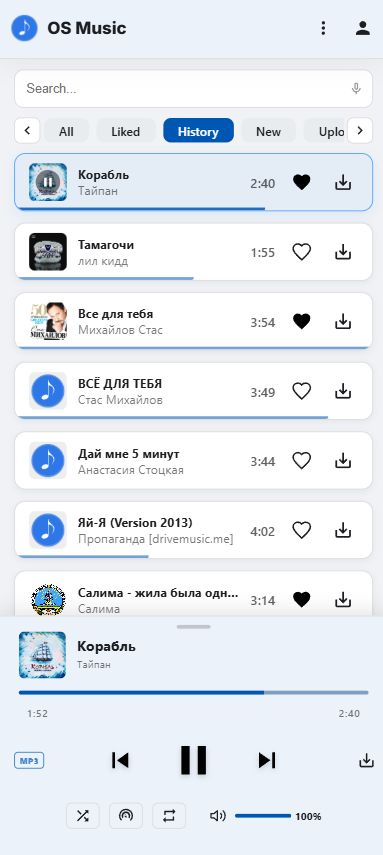
Playback history. Lists recently played tracks, featuring a progress bar that displays the exact timestamp where the playback was paused.
Slide 3
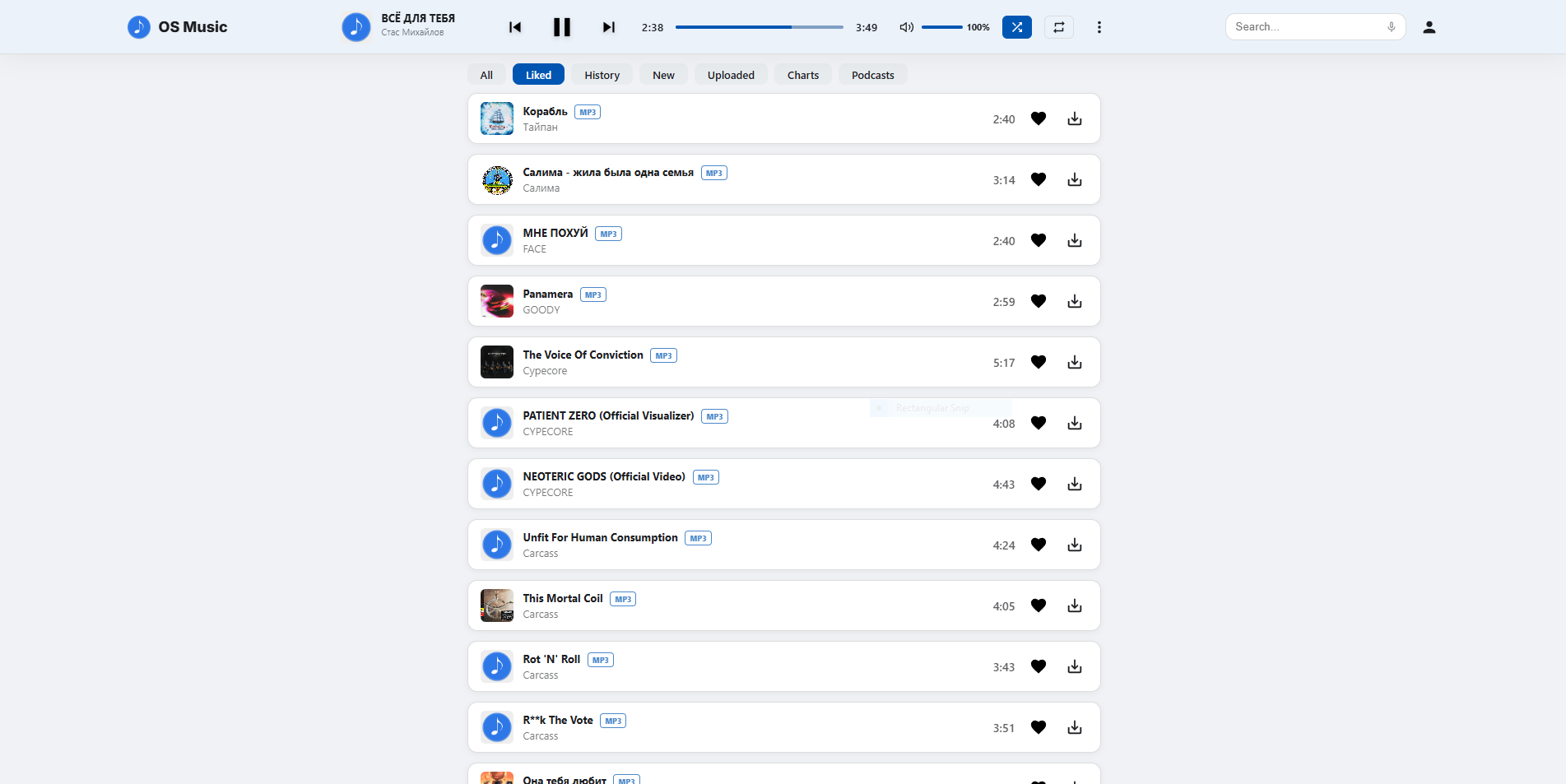
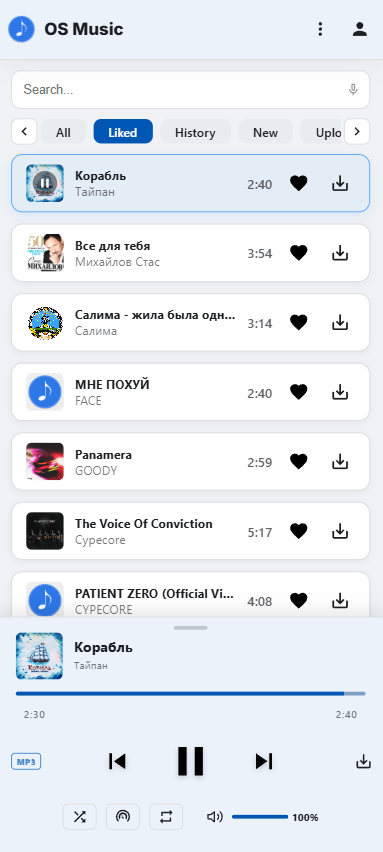
Favorites. A dedicated section containing tracks bookmarked by the user using the "Like" button.
Slide 4
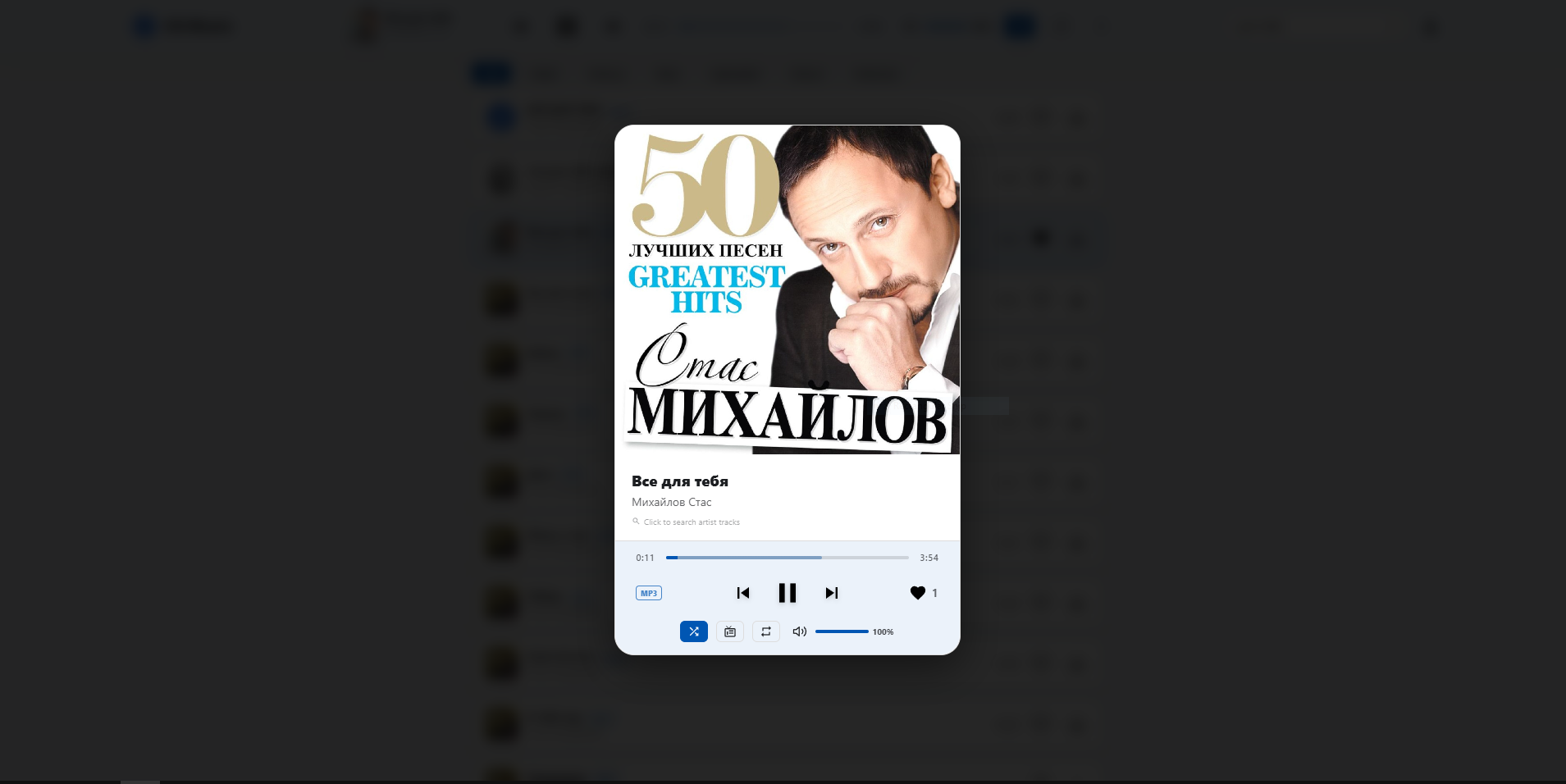
Track details. A modal window displaying expanded metadata, an autoplay toggle, gesture controls for skipping tracks, and a double-tap gesture to rewind or fast-forward by 5 seconds.
Slide 5
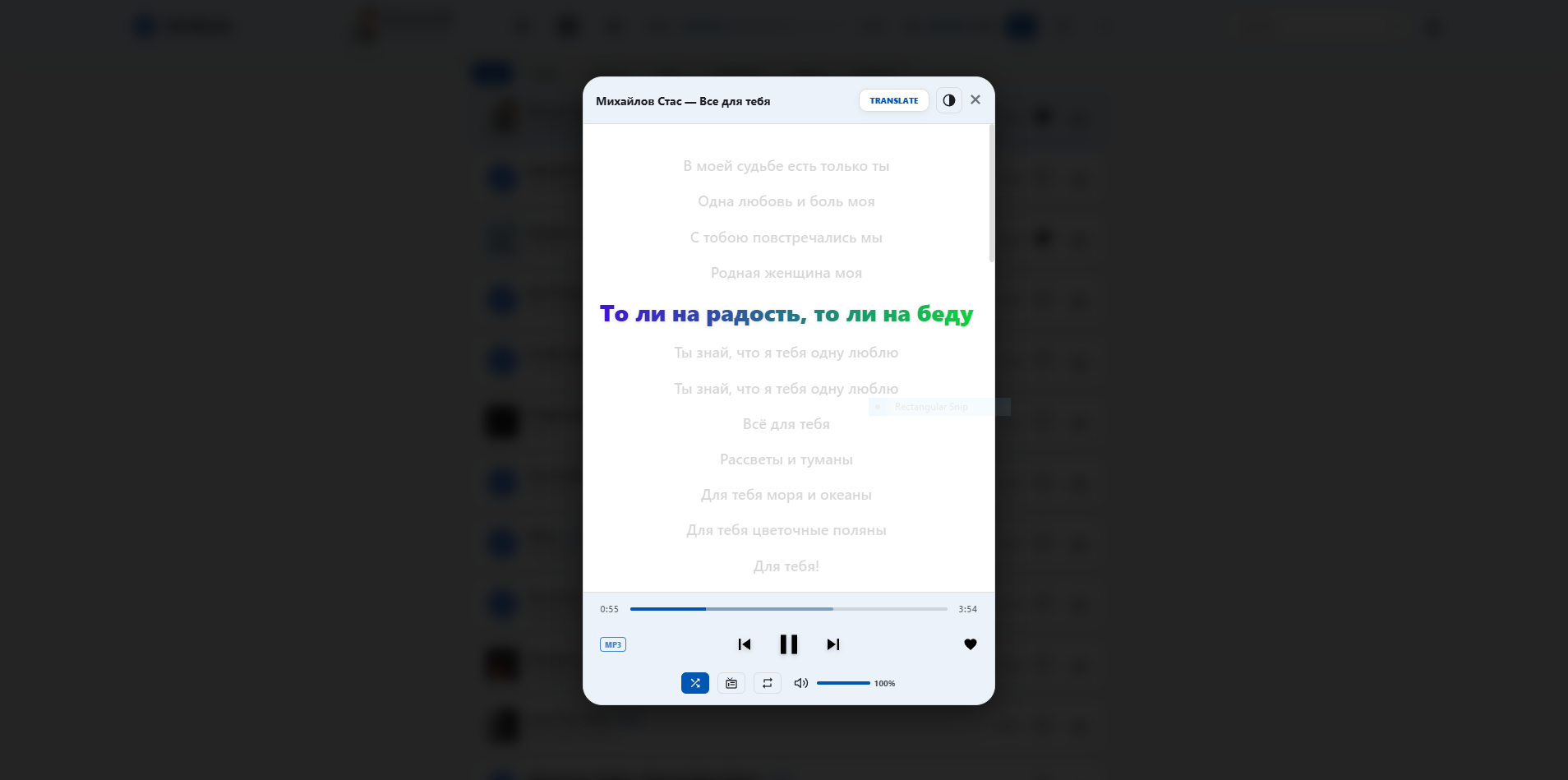
"Lyrics" screen. Displays track lyrics with dynamic, multicolored text highlighting to enhance visual appeal and user engagement.
Slide 6
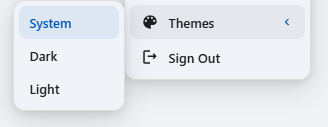
Personalization settings. A menu to select the interface color scheme: Light, Dark, or System theme.
Slide 7
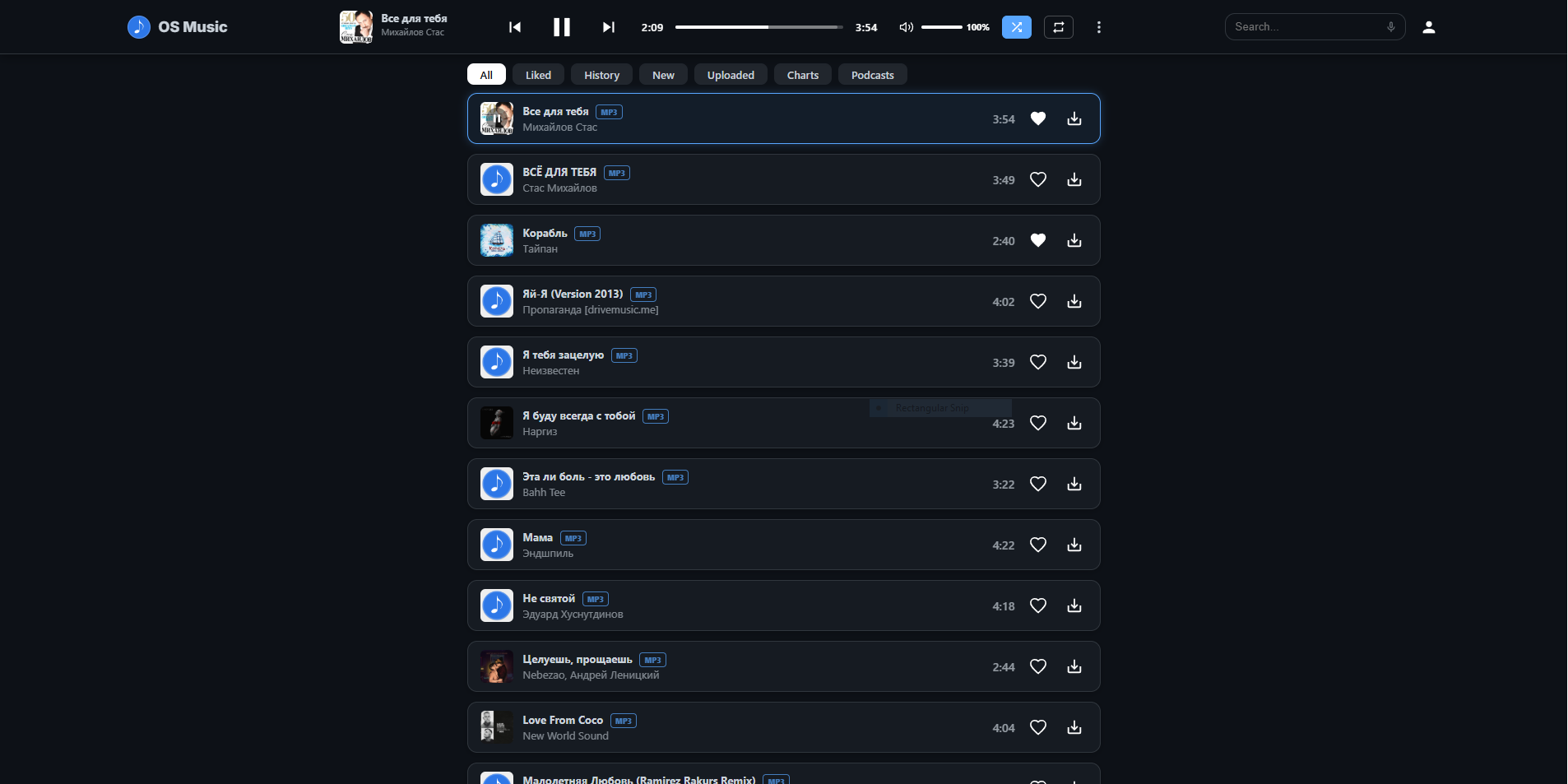
Desktop interface in Dark theme (optimized for low-light environments).
Slide 8
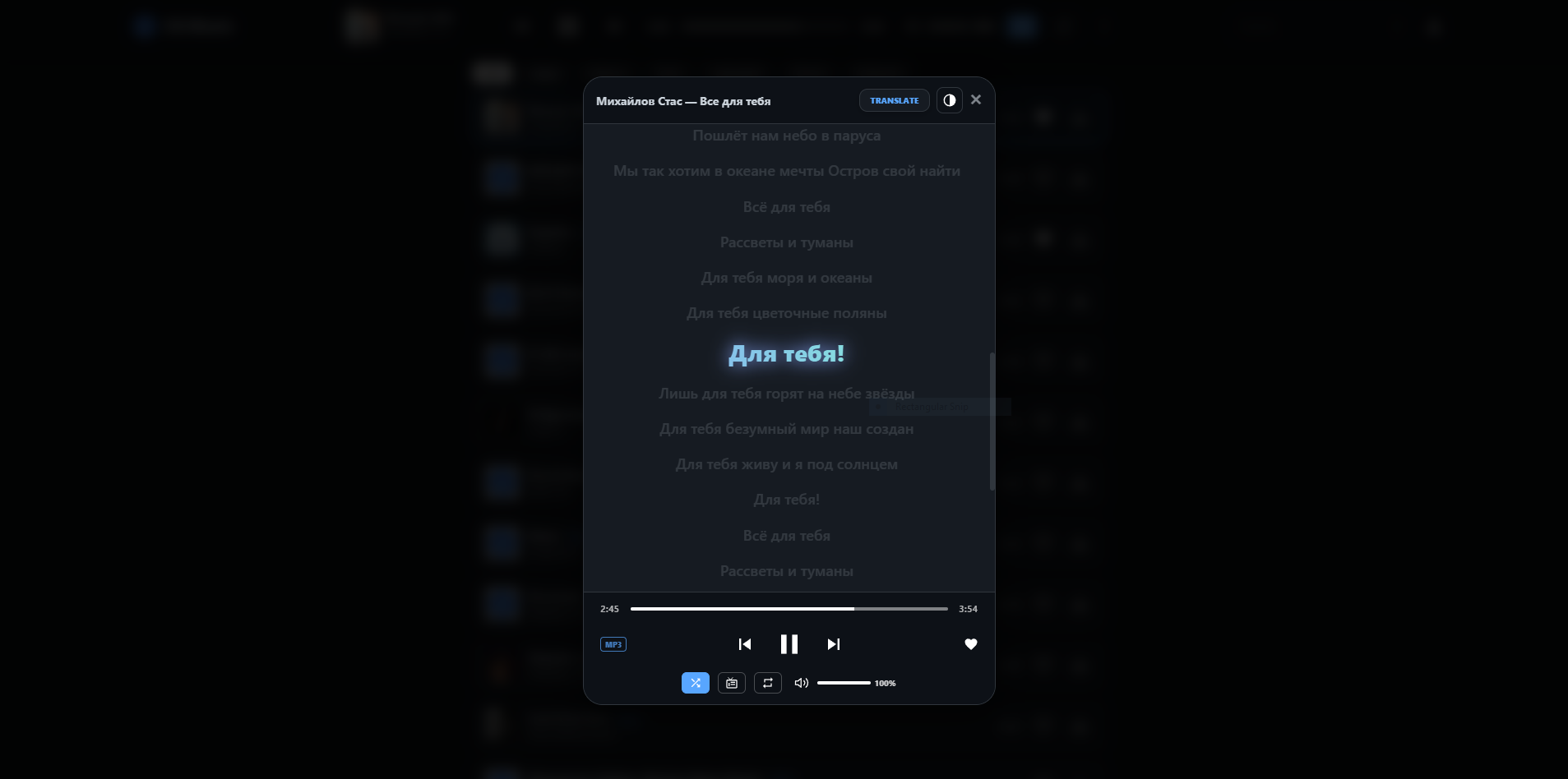
"Lyrics" screen rendered in Dark theme.

Slide 9
Active radio broadcasting status indicator.
Slide 10
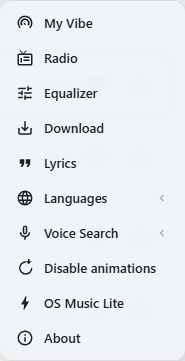
Extended menu panel. Contains navigation links to features and sections: My Vibe, Radio, Equalizer, Download, Upload, Lyrics, Languages, Voice Search, Disable animations, OS Music Lite, and About.
Slide 11
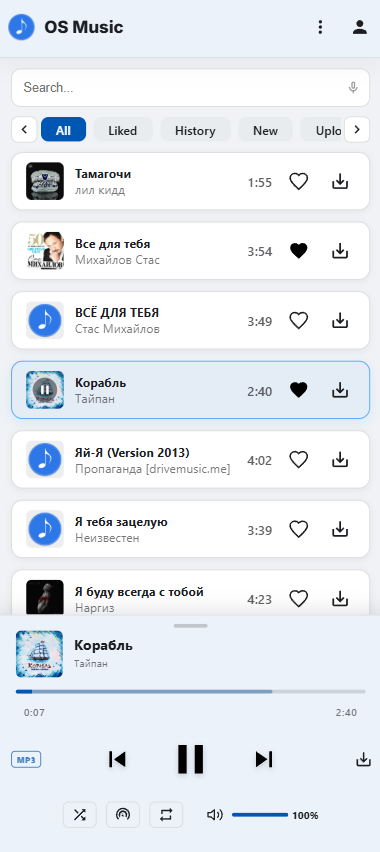
Main landing page of the mobile responsive interface.
Slide 12
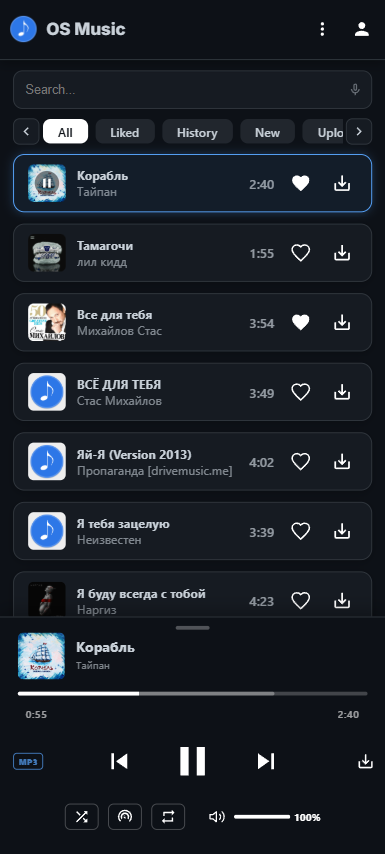
Mobile interface rendered in Dark theme.
Slide 13
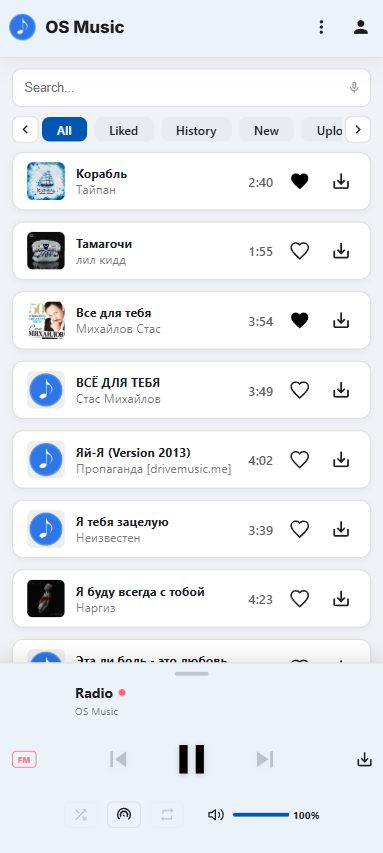
"Radio" section within the mobile interface.
Slide 14
"Playback History" section within the mobile interface.
Slide 15
"Favorites" section within the mobile interface.